
JPG
For photos and easy sharing.
Smaller files. More room to share.
Compress JPG, PNG and WebP in your browser.
Free · No sign-up · No subscription · On your device
or drop your image here
JPG, PNG, WebP · up to 20 MiB · 16 megapixelsThe same dimensions. A smaller PNG. A real smart-compression example.
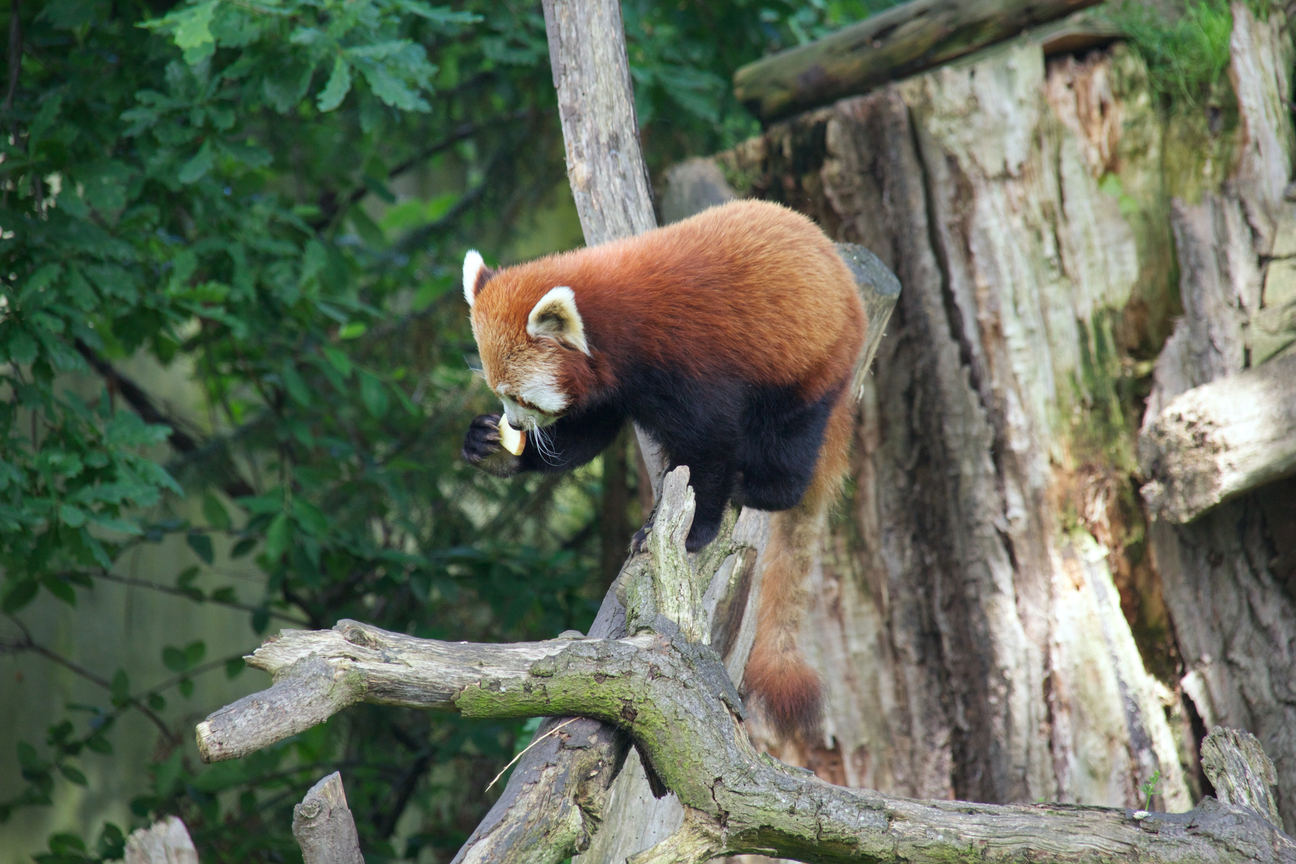
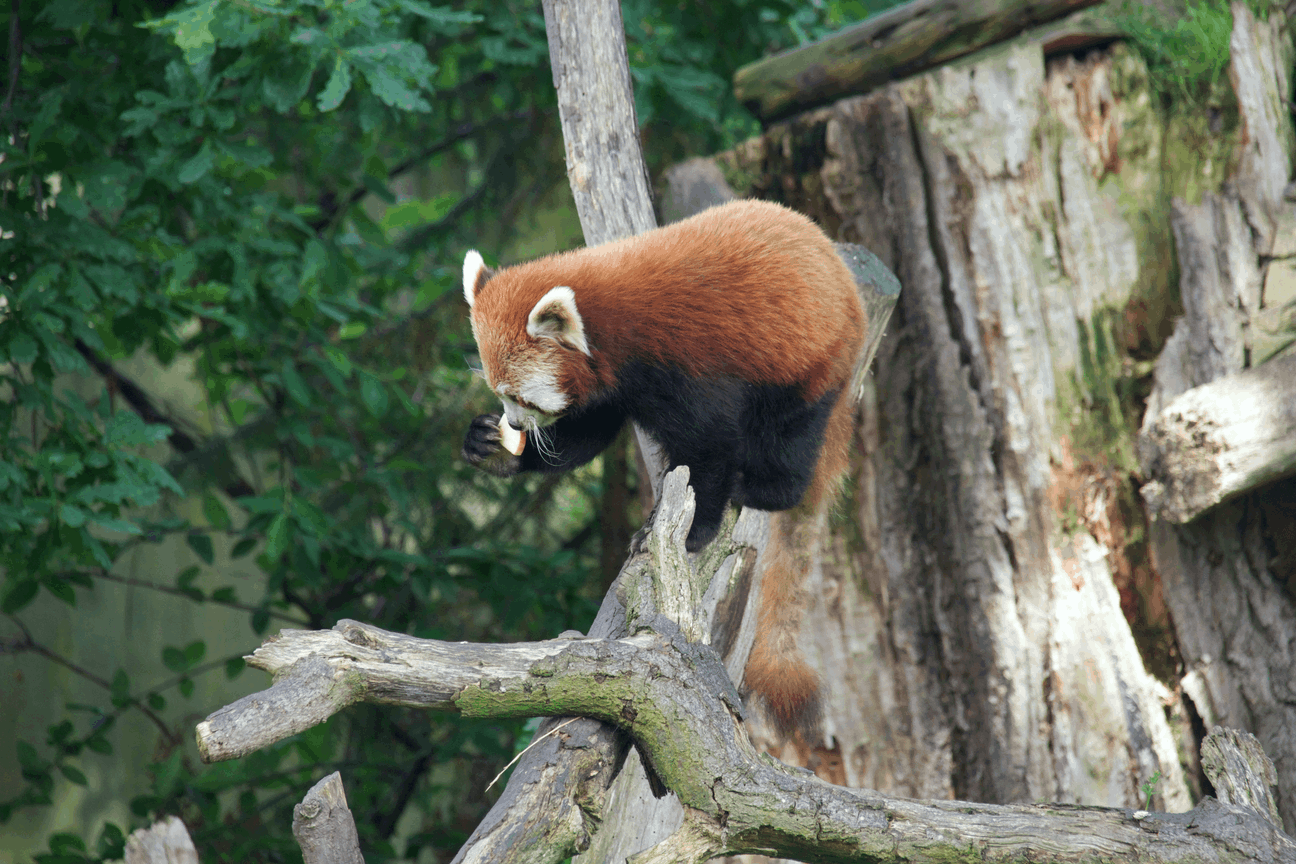
Smart compression merges similar colors. Results vary by image.
Start with JPG, PNG or WebP.
Smart PNG compression, with a lossless option.
Adjust settings only if you need to.
Each format works a little differently.
For photos and easy sharing.
Smart color compression. Transparency kept. Lossless is optional.
Smaller files with transparency support.
Yes. No account, credits or subscription are required. Images are compressed on your device and are not uploaded to a server.
Yes, within the 20 MiB and 16-megapixel limits. You can keep the original dimensions or choose 2K QHD in Adjust settings to make a 4K image smaller.
Re-encoding an already optimized image can increase file size. We show the actual result and offer the original file, without claiming a saving.
Keep Original size and use JPEG with a lower quality setting. WebP is the recommended output for JPG and WebP inputs; choose JPEG in Adjust settings if you need a JPG file.
Smart PNG compression merges similar colors while keeping PNG format, dimensions and transparency. Some images can shrink by 60% or more; the saving depends on the image and is not guaranteed. Colors and soft edges may change. Choose Lossless in Adjust settings to avoid color quantization, usually with a smaller saving.
An exact target file size is not available. Adjust quality or reduce the resolution, then check the actual output size. Compression never enlarges a smaller image.