
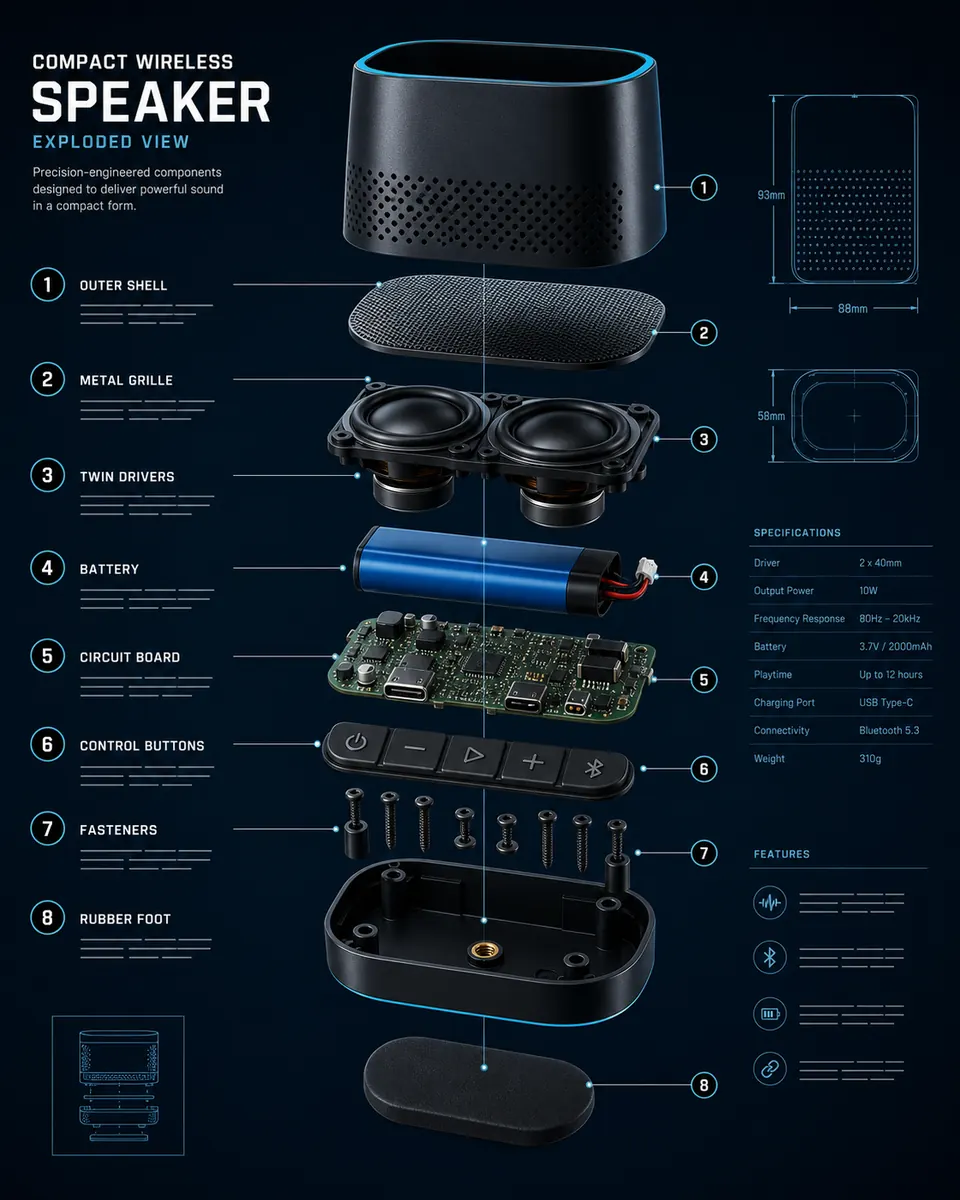
Nano Banana Pro AI Image Generator & Editor
Create images from text, edit photos, or combine up to 8 references with 1K–4K output.
- 1K / 2K / 4K output
- Up to 8 references
- No subscription required
12 welcome credits on first sign-in. Additional credits are needed for this model.
Nano Banana Pro capabilities & credits
| Model | Output | References in edit mode | Default credits | Access |
|---|---|---|---|---|
| Nano Banana Pro | 1K / 2K / 4K | Up to 8 references | 36 | No subscription required |
| Nano Banana 2.1 | 1K / 2K / 4K | Up to 10 references | 6 | No subscription required |
| Qwen Image 2.1 | 1K / 2K | Up to 10 references | 8 | No subscription required |
Default settings shown. Credits vary by output settings. Compare all models →
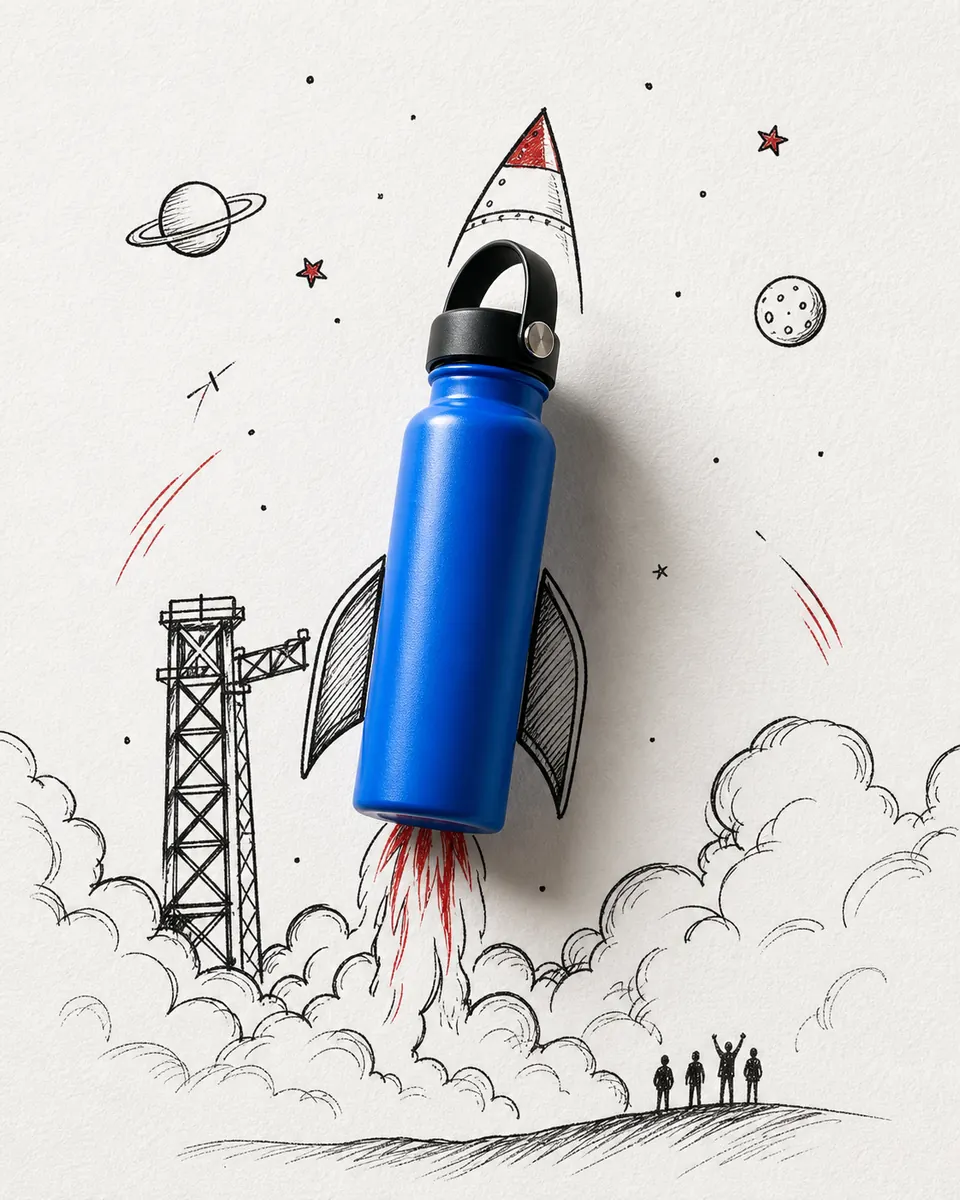
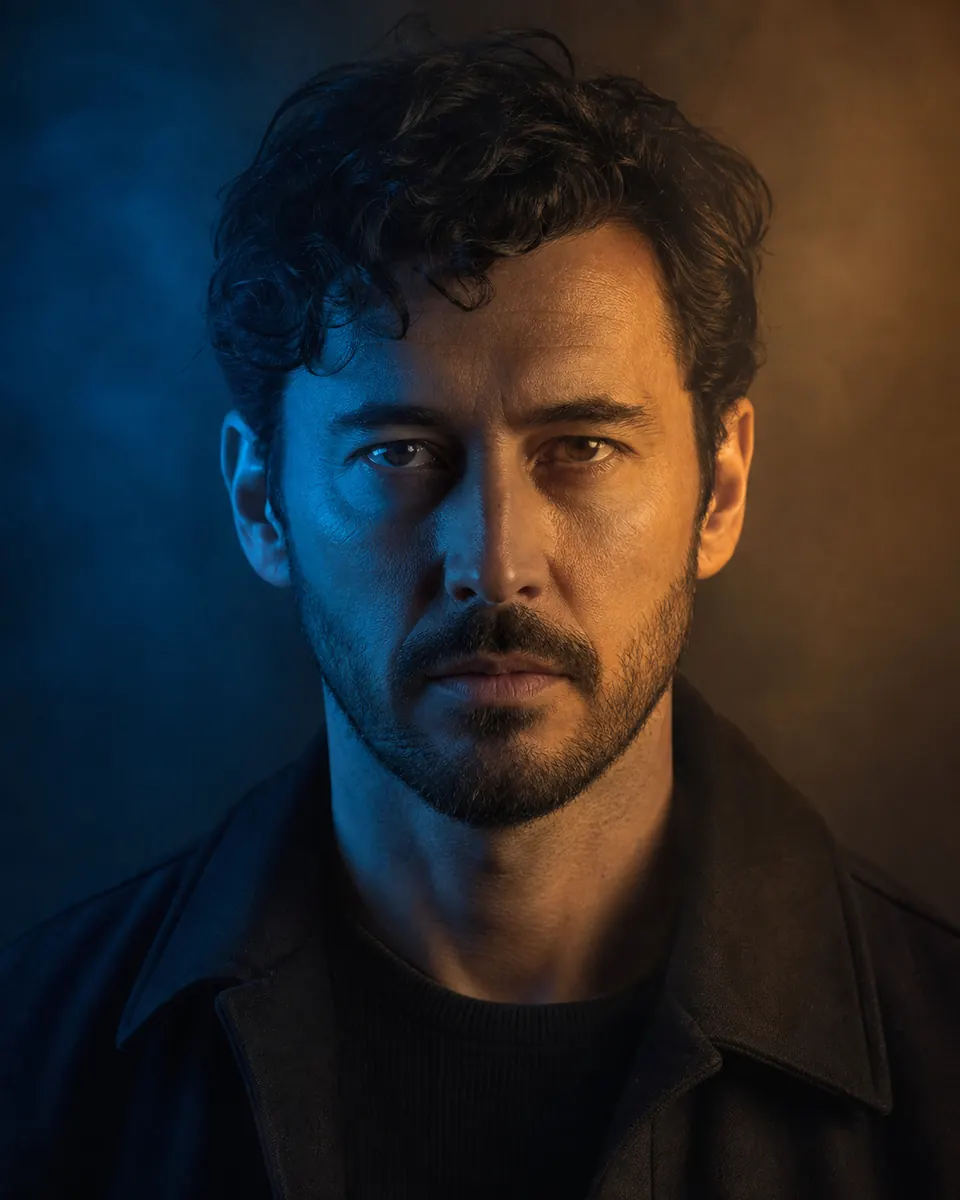
Recommended prompts for Nano Banana Pro

How to use Nano Banana Pro
- 1→
Describe your image
Write a clear prompt with the subject, style and details.
- 2→
Choose settings or add references
Select output settings. To edit, upload references within the model’s limits.
- 3
Generate and review
Click generate, then review your result and make changes if needed.
Nano Banana Pro questions
Do I need a subscription for Nano Banana Pro?
No subscription is required. You need enough credits: 36 for 1K, 36 for 2K, or 48 for 4K. New users receive 12 welcome credits on first sign-in.
How many reference images can I use?
Use up to 8 references in edit mode. Each image can be up to 30 MB in JPG, PNG or WebP format.
What output options are available?
Choose 1K, 2K or 4K resolution, a supported aspect ratio, and PNG or JPG output.
Can I generate an image without uploading a photo?
Yes. Use Generate to create an image from a text prompt. Switch to Edit images to upload references and describe what to change or combine.