
2K QHD
2560 × 1440Great for desktop monitors and larger screens.
Resize for free. Turn on AI enhancement when you want a clearer enlargement.
Standard resizing is free · No sign-up · On your device
or drop your image here · JPG, PNG, WebP · up to 20 MiB · 16 megapixels
Lower-resolution reference 960 × 540 · AI-enhanced image 4096 × 2304
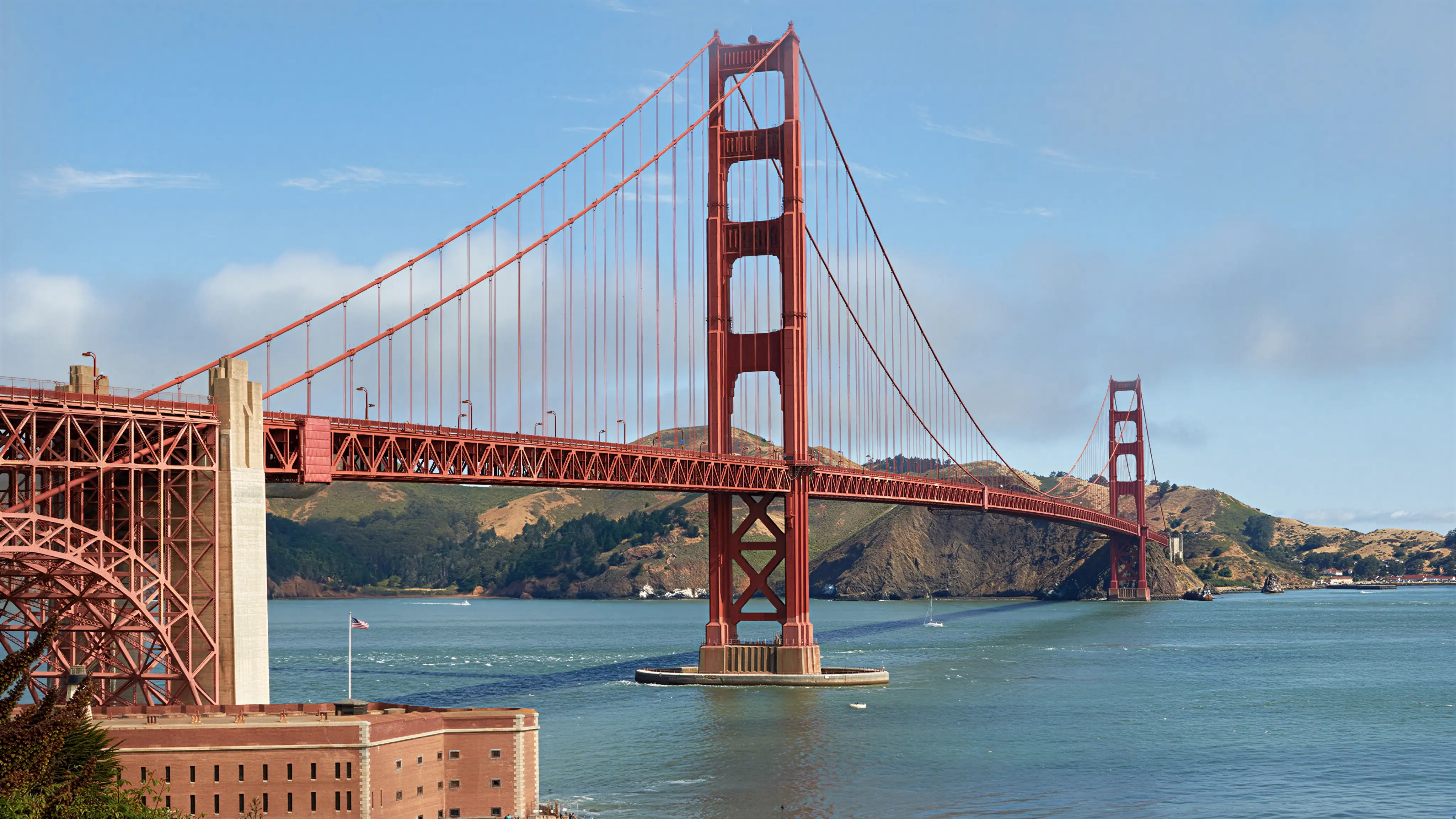
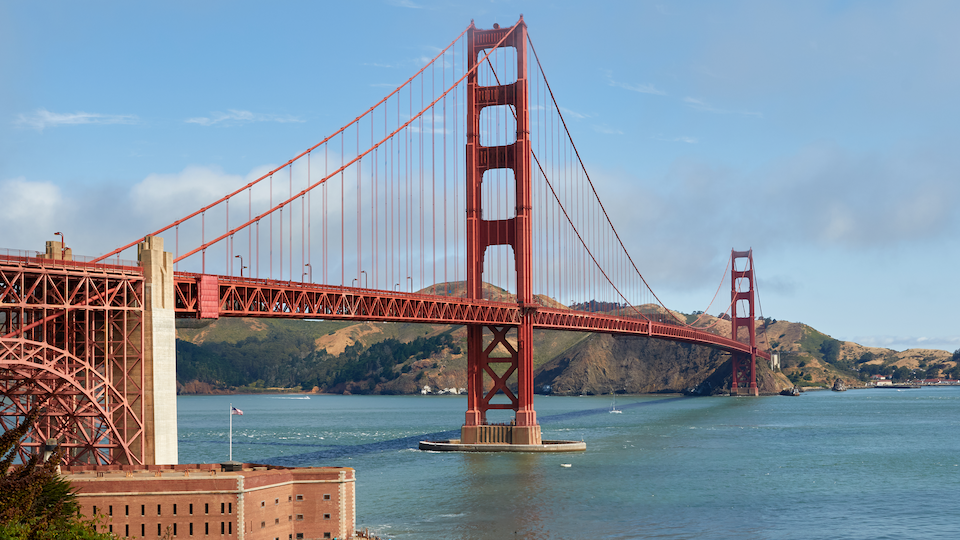 OriginalAI enhanced960 × 540 pxActual AI-enhanced output
Drag to compare
Before is a downsampled reference; After is an AI-enhanced image. No extra blur was added. AI is optional and uses credits.
JPG, PNG or WebP.
Choose 2K, 4K or custom.
No account needed.
Great for desktop monitors and larger screens.
For high-resolution displays, TVs and detailed images.
Your width and height. Resize to the exact dimensions you need.
Yes. Choose 2K QHD to fit your image within 2560 × 1440 pixels. A 16:9 image becomes 2560 × 1440; other aspect ratios keep their proportions.
Standard resizing changes pixel dimensions. AI super-resolution also attempts to improve edges and textures. Standard resizing stays free; AI enhancement is optional and off by default.
Standard resizing is free and works without an account. AI super-resolution only requires you to sign in and have enough credits. No subscription is required; any available account credits can be used.
The AI target size costs 2 credits up to 4 megapixels, 4 credits up to 8 megapixels, or 8 credits up to 16 megapixels. A typical 2K image costs 2 credits and 4K UHD costs 8. Your image proportions can change the cost; the exact amount is shown before submission.
No. Switching modes and choosing dimensions are free. Credits are reserved only when you submit AI processing. If processing fails, those credits are automatically returned. Recovering or downloading an existing result does not cost more credits.
Standard resizing runs on your device without uploading your image. AI super-resolution uploads it for cloud processing and removes the temporary original afterwards. Results are kept for 30 minutes. Please download promptly; your task and credit records remain in your account.
AI super-resolution improves clarity in photos, product images and artwork. It enhances edges and textures for finer-looking enlargements and high-resolution displays.
Select 4K UHD and keep the default proportions setting. The image fits within 3840 × 2160 pixels, with width and height swapped for portraits. We show the actual output dimensions before processing.
Yes. Choose 4K to enlarge a 2K image, or enter a custom width and height. The output must stay within 16 million pixels. Larger dimensions do not add original detail.
With standard resizing, yes. PNG and WebP output keep transparency. If you save as JPG, transparent areas become white. Choose center crop or padding only if you need an exact canvas size.