
GPT Image 2.5 Flare AI Image Generator & Editor
Create images from text or edit and combine up to 16 references, with 1K–4K output and a Pro or Max subscription.
- 1K / 2K / 4K output
- Up to 16 references
- Subscription required
An active Pro or Max subscription and enough credits are required.
GPT Image 2.5 Flare capabilities & credits
| Model | Output | References in edit mode | Default credits | Access |
|---|---|---|---|---|
| GPT Image 2.5 Flare | 1K / 2K / 4K | Up to 16 references | 12 | Subscription required |
| Seedream 5 Pro | Basic / High | Up to 10 references | 14 | Subscription required |
| Nano Banana 2.1 | 1K / 2K / 4K | Up to 10 references | 6 | No subscription required |
Default settings shown. Credits vary by output settings. Compare all models →
Recommended prompts for GPT Image 2.5 Flare
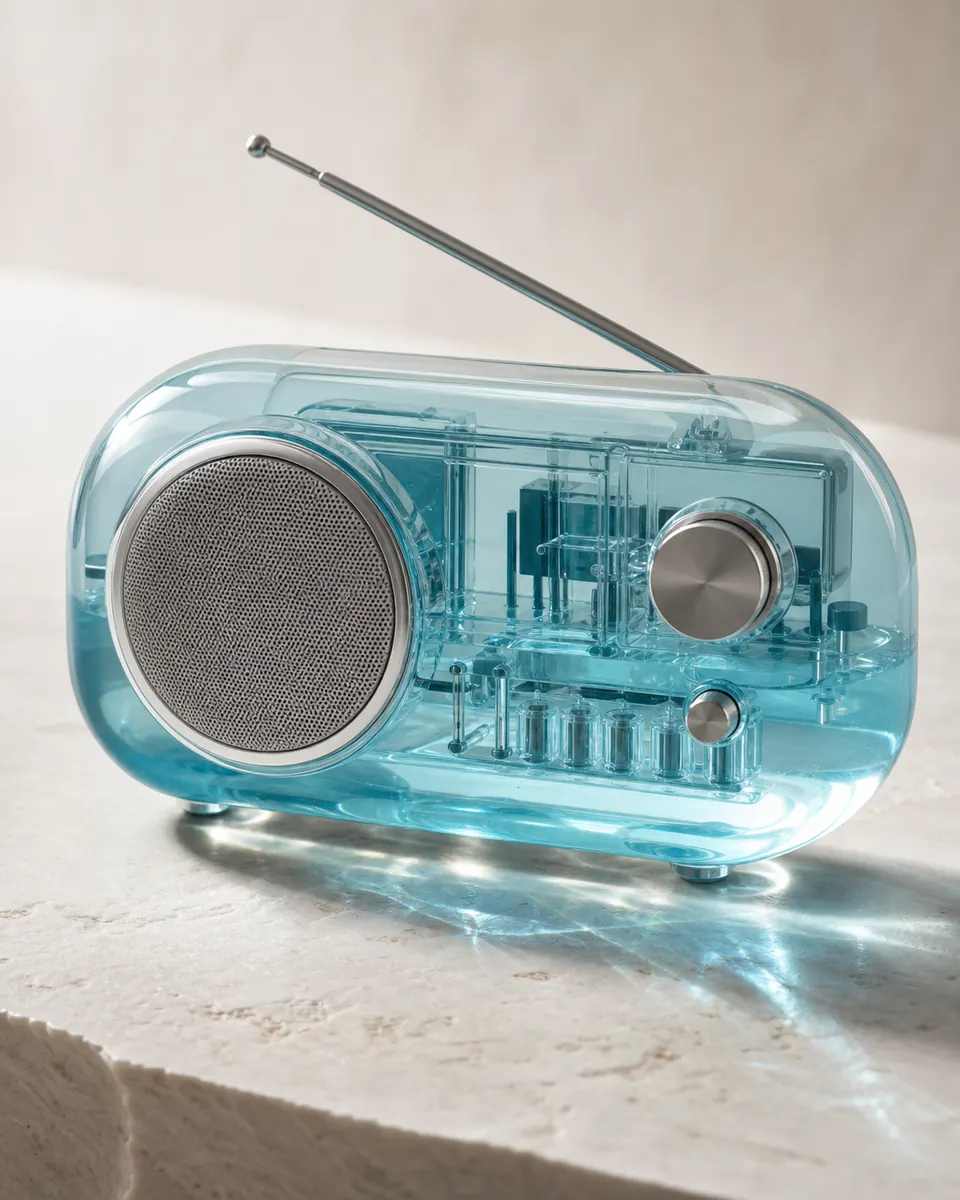
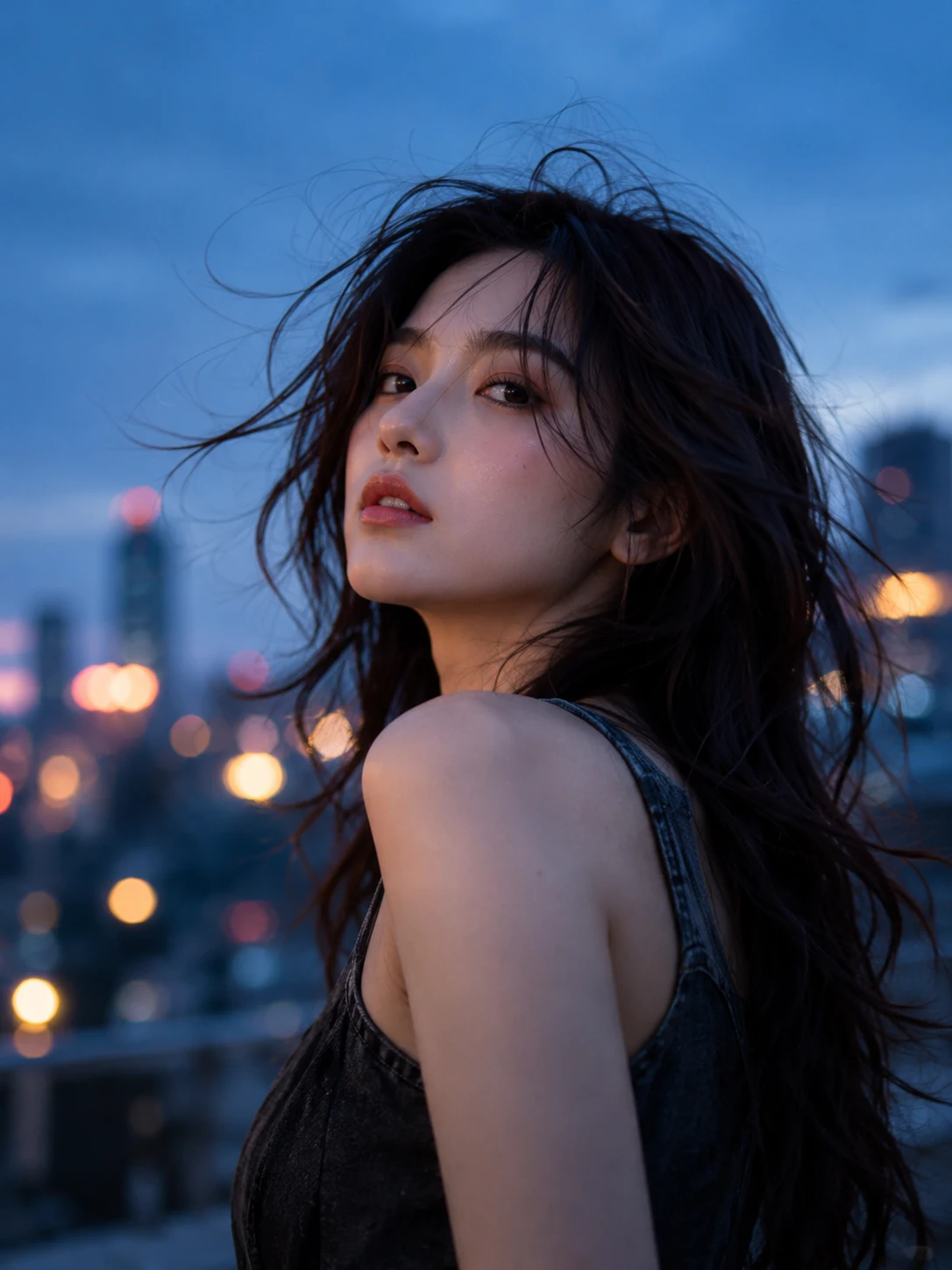

How to use GPT Image 2.5 Flare
- 1→
Describe your image
Write a clear prompt with the subject, style and details.
- 2→
Choose settings or add references
Select output settings. To edit, upload references within the model’s limits.
- 3
Generate and review
Click generate, then review your result and make changes if needed.
GPT Image 2.5 Flare questions
Is a subscription required for GPT Image 2.5 Flare?
Yes. An active Pro or Max subscription and enough credits are required for both text generation and reference editing.
How many credits does each image use?
A 1K image costs 12 credits, a 2K image costs 20 credits, and a 4K image costs 32 credits.
How many photos can I upload?
Edit mode supports up to 16 reference images. Each file can be up to 30 MB in JPG, PNG or WebP format.
Can I use Flare for text-to-image generation?
Yes. Choose Generate and describe the image you want. Use Edit images to change a photo or combine references, then select a supported aspect ratio and 1K, 2K or 4K output.