
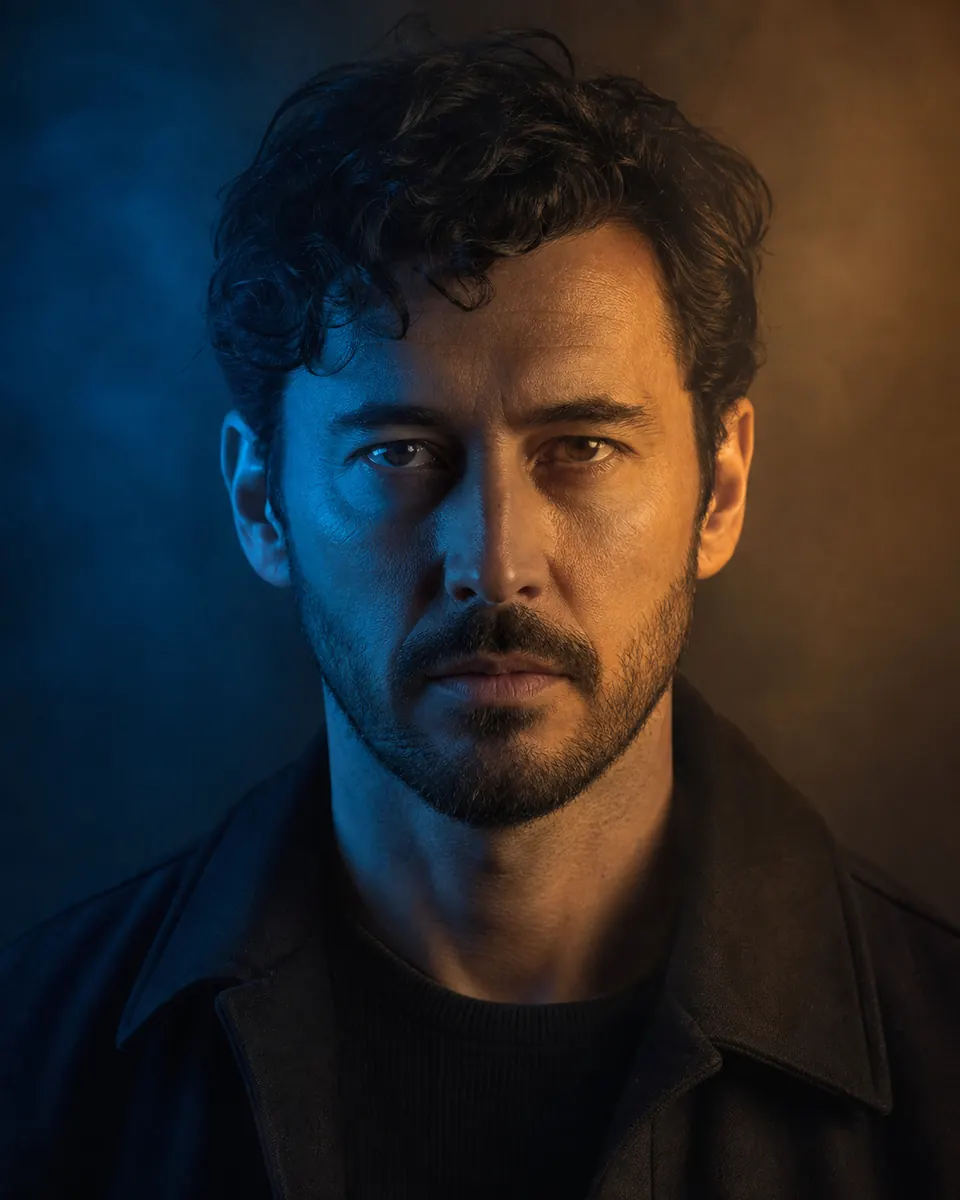
Seedream 5 Pro AI Image Generator & Editor
Generate images from text or edit with up to 10 references. Choose basic or high quality with a Pro or Max subscription.
- Basic / High output
- Up to 10 references
- Subscription required
An active Pro or Max subscription and enough credits are required.

Seedream 5 Pro capabilities & credits
| Model | Output | References in edit mode | Default credits | Access |
|---|---|---|---|---|
| Seedream 5 Pro | Basic / High | Up to 10 references | 14 | Subscription required |
| Nano Banana 2.1 | 1K / 2K / 4K | Up to 10 references | 6 | No subscription required |
| GPT Image 2.5 Flare | 1K / 2K / 4K | Up to 16 references | 12 | Subscription required |
Default settings shown. Credits vary by output settings. Compare all models →
Recommended prompts for Seedream 5 Pro


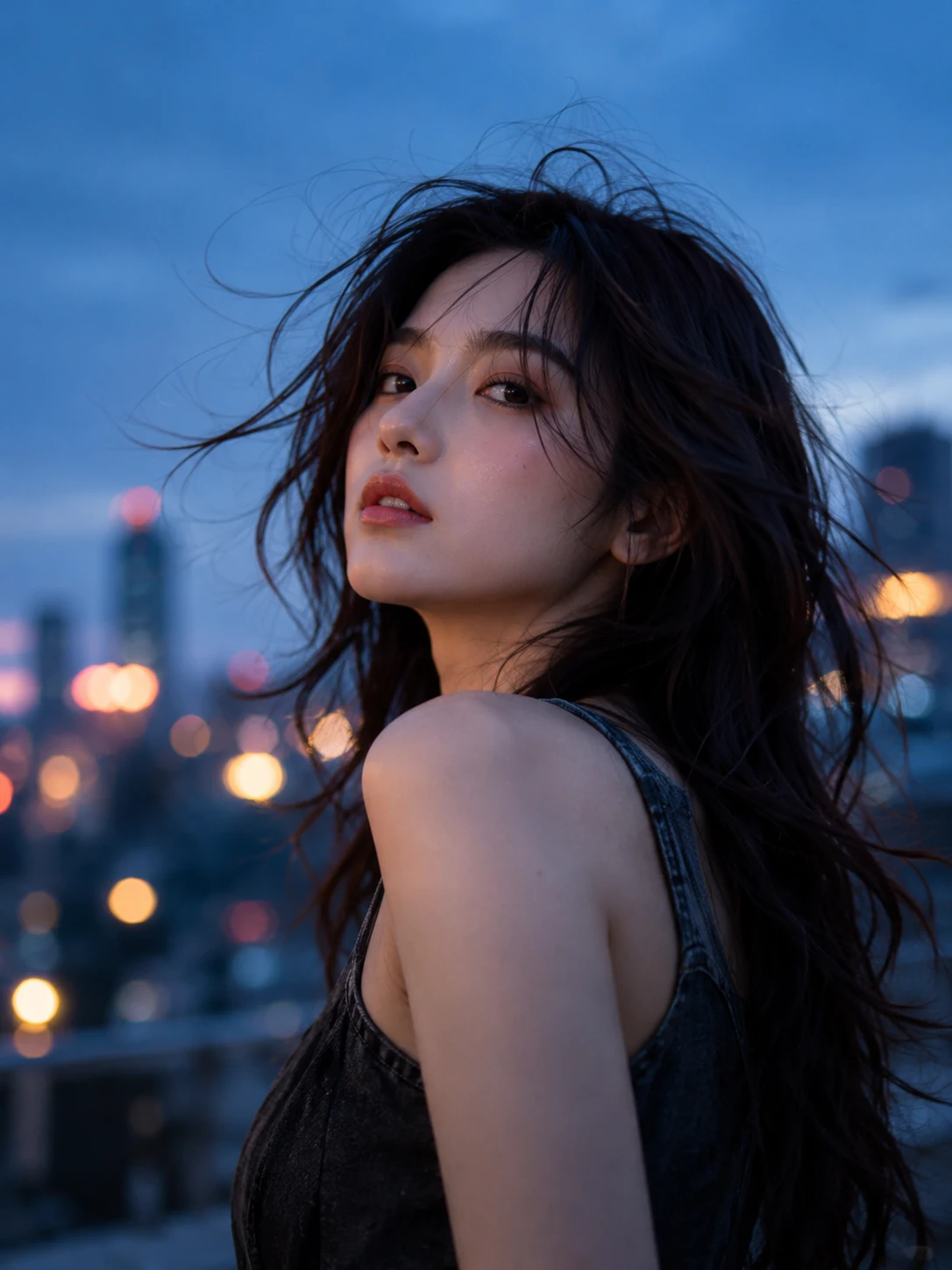


How to use Seedream 5 Pro
- 1→
Describe your image
Write a clear prompt with the subject, style and details.
- 2→
Choose settings or add references
Select output settings. To edit, upload references within the model’s limits.
- 3
Generate and review
Click generate, then review your result and make changes if needed.
Seedream 5 Pro questions
Who can use Seedream 5 Pro?
An active Pro or Max subscription and enough credits are required. Welcome credits alone do not unlock this model.
How many credits does it use?
Basic quality costs 14 credits and high quality costs 28 credits per image. In edit mode, the first reference is included; each additional reference adds 1 credit.
What are the reference image limits?
Upload up to 10 images in edit mode. Each file can be up to 10 MB. JPG, PNG and WebP inputs are supported.
Which output settings can I choose?
Select basic or high quality, a supported aspect ratio, and PNG or JPEG output. This model uses quality settings rather than a separate resolution selector.